Introduced in May 2012, the Knowledge Graph is the database used by Google to deliver relevant search results to users. It is essentially a huge digital library containing millions of entities – things, people and places – and billions of facts about and relationships between them.
Google’s mission is, “to organise the world’s information and make it universally accessible and useful”. The Knowledge Graph does this by collecting information from a variety of sources including Wikipedia, CIA World Factbook, and Freebase. It then uses this information to enhance search results in three key ways:
- By finding the right thing – Google recognises nuances in language and can narrow search results to the exact meaning you are referring to.
- By presenting the best summary – As Google can better understand your query, it is able to present a summary of content about the topic and key facts you may find useful. The amount and type of content you see varies by entity and is based on what other users have previously found useful.
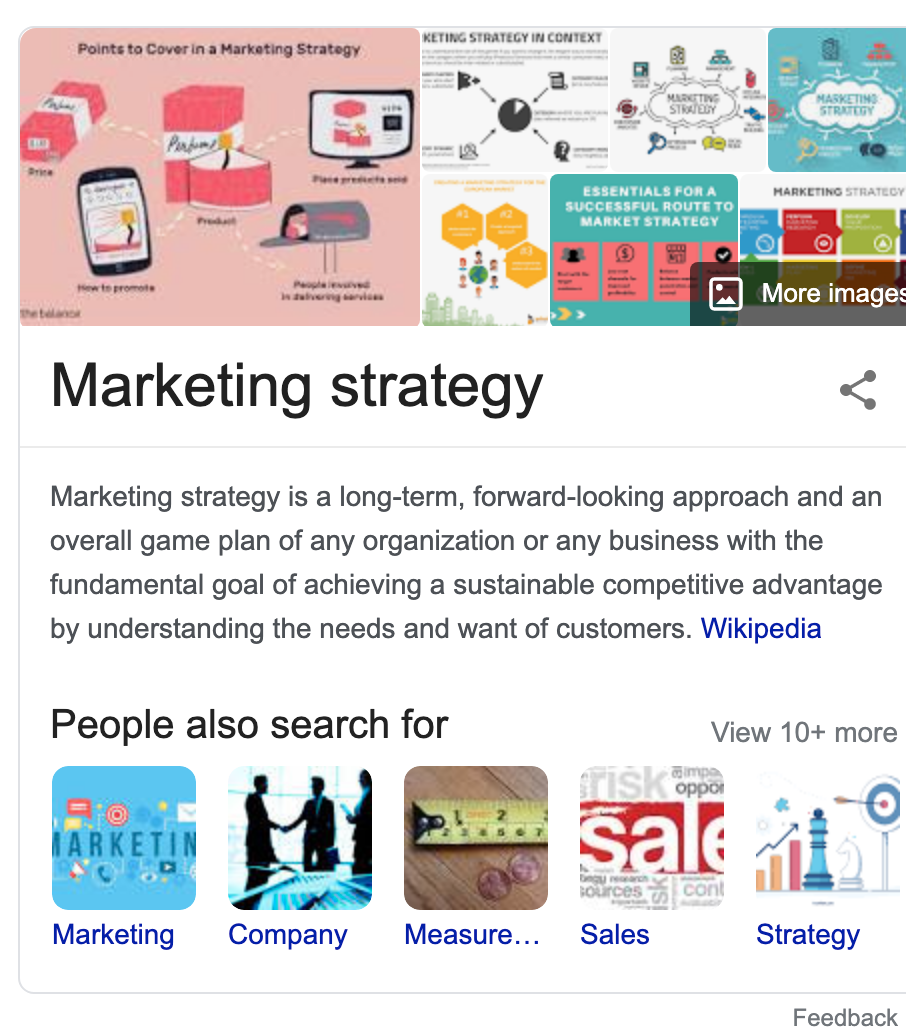
- By going deeper and broader – Understanding the relationships between entities means that Google can offer you information related to your topic. The Knowledge Panel (shown below), “People also ask”, and image carousel feature are examples of the Knowledge Graph at work.
Using Knowledge Graph to Boost Your Website
Google is focused on making its search results useful to users, but it’s up to you to tell Google exactly what your website content is about. The better Google understands your content, the more likely it will be to send traffic to your site, thereby improving your rankings.
Knowledge Graph panels are one of the most effective ways of offering users information without needing to access your website. They offer both increased visibility and reinforce your brand, and are remarkably easy to influence.
Knowledge Graph Optimisation (KGO) is the process of ensuring your meta description, title, keywords, media and copy present the right information to Google’s crawlers. The Knowledge Graph personalises search results based on location, timing, historical searches, and other factors, so the more information you can give, the better your visibility on the search engine results page.
- Make use of Google Maps and Google My Business – these are two shockingly underused tools. After all, they’re basically invitations to Google to show your business to local users. Be sure to keep your Google My Business page up to date. You can even post updates and new products to encourage customer engagement.
- Keep social media accounts up to date – using your social media to regularly post and engage with followers and ensuring your details are up to date will send positive signals to Google.
- Create Wikidata.org and Wikipedia listings – Google considers these as authoritative websites (even if some information is of dubious authenticity) so creating a listing about your business is a simple but effective way of generating Knowledge Graph data.
- Add Schema markup to your website – Schema is a vocabulary of microdata hidden in your website’s code that describes the “entities, relationships between entities and actions” related to your brand. is used by Google and other search engines to find information about your business.
- Request a change – if you have a Knowledge Graph card, you can request a change if you own your business website/YouTube channel/Google My Business page. Following a request, Google will review your suggestions and email you with an update.
Knowledge graph for local businesses
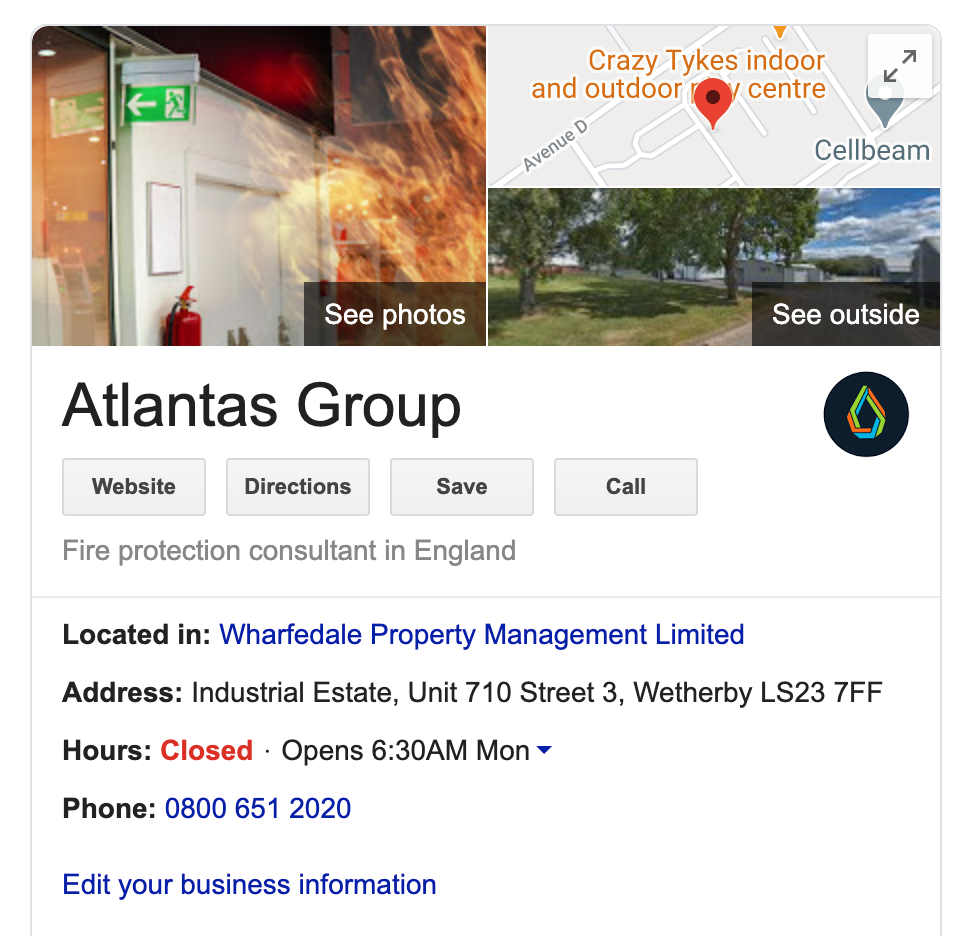
As a local business, the benefits of Knowledge Graph optimisation are huge. Google prioritises local information when users search for products and services. If it can find your information, your Knowledge Graph panel may include:
- Reviews
- Opening times
- Website links
- Social media channels
- Directions
- Contact details
Even without a website, by making sure your company information is up to date on Google My Business, you can ensure users see the most up to date details for your business.
Knowledge graph for non-profits
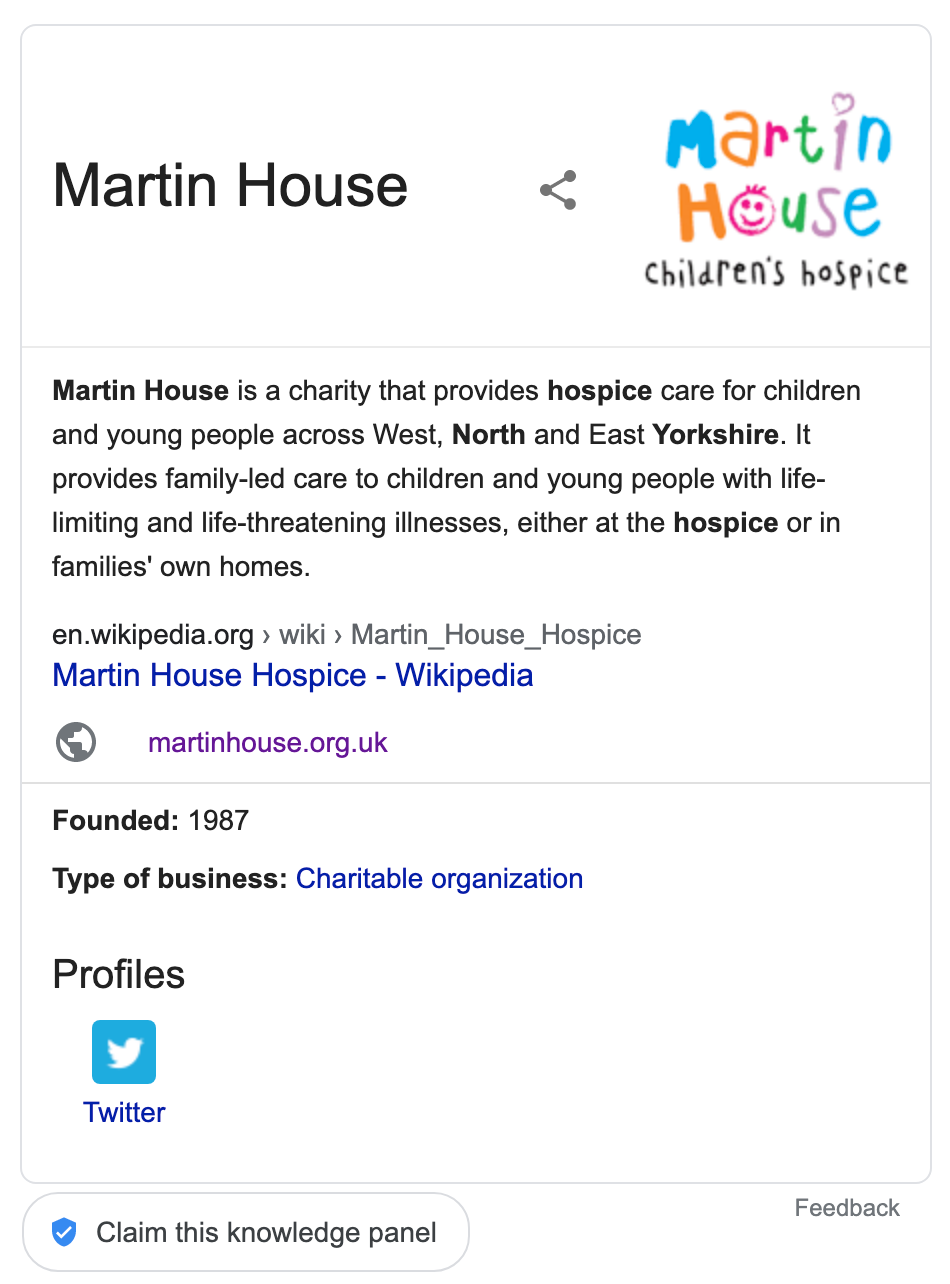
Google now lists knowledge about non-profit organisations when users search for particular conditions or issues. Charities and social enterprises can gain increased search engine visibility by following the guidance above, ensuring that information about the organisation can be easily discovered by Google’s crawlers.
Focus on humans, not Artificial intelligence
It can be easy to focus on optimising your website for Google and forget that it is ultimately humans that generate income. Keyword “stuffing” and clunky use of titles and subheadings can disrupt content and make it difficult to follow. On the other hand, using synonyms and structuring content to include images, videos, and lists can make it both more engaging and easier to understand.
User experience is vital for good search engine rankings. Factors such as page speed, colours, fonts, layout, and calls-to-action can all influence the level of engagement on your web pages. Google is focused on ensuring the best possible experience for humans and uses signals such as average time on page and bounce rates (the percentage of users who exit your site without doing anything) to assess the usefulness of your site. Therefore, by ensuring a great experience for humans, you also appease the search engines. It’s a win-win scenario.
Further Reading
- Amit Singhal – Introducing the Knowledge Graph: things, not strings
- Neil Patel – The Beginner’s Guide to Google’s Knowledge Graph
- Danny Sullivan – A Reintroduction to Google’s Knowledge Graph and Knowledge Panels
- Moz.com – Schem.org markup
 Laura Beesley | CMktr MCIM